Example capabilities
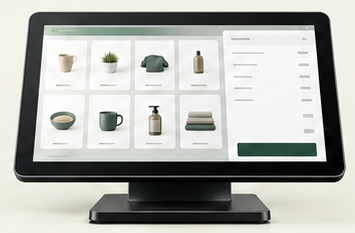
- Main station
- Handhelds
- Tablets
- Kiosks
- Online ordering
- Loyalty
- Gift cards
Examples vary by platform and business needs.
Point-of-Sale Systems
A point-of-sale system can affect much more than how you take a payment.
Merchant Counselor helps businesses evaluate POS technology around the operation — including workflow, employees, reporting, payments, integrations and support.
We don't start with a POS brand. We start with what the system needs to accomplish.
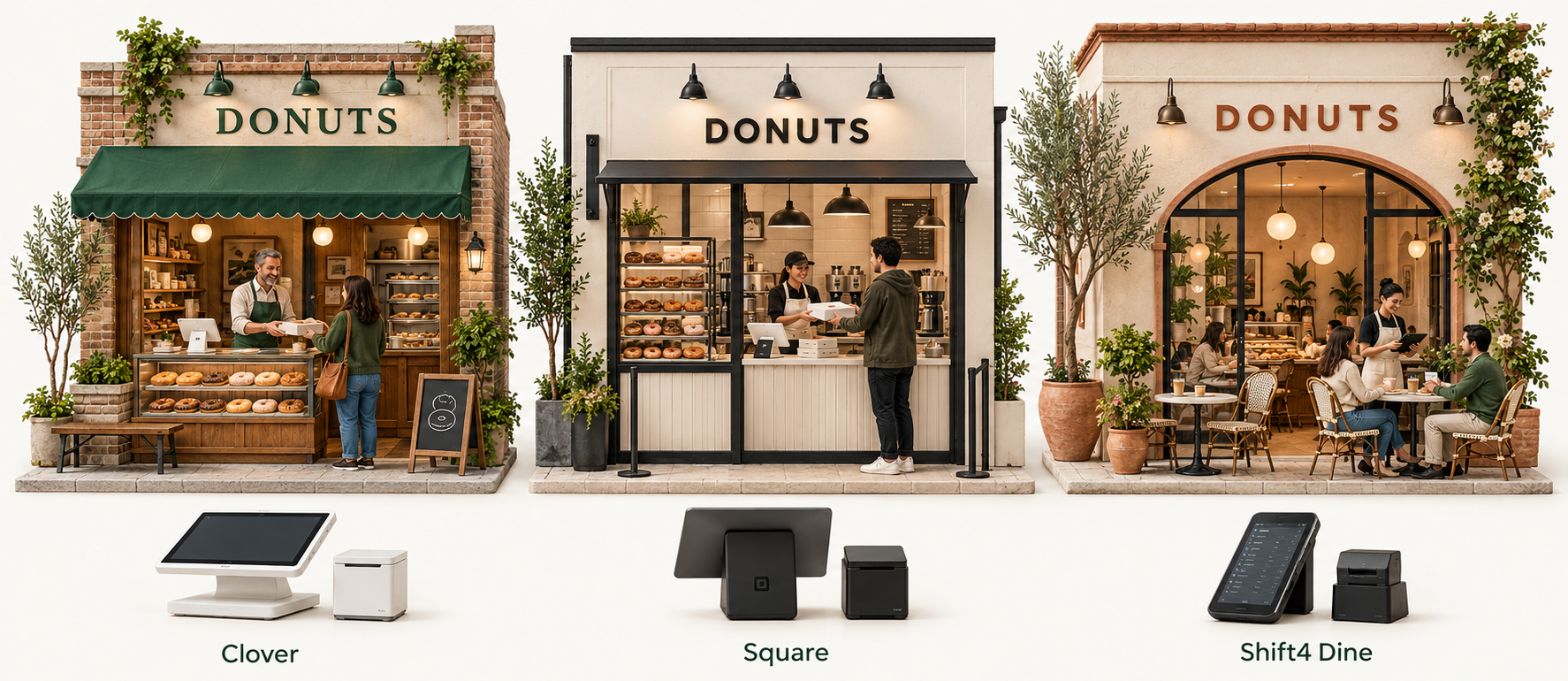
Business fit
Explore the tools that fit your business.
A good recommendation starts with your priorities.

Success: the business runs better.
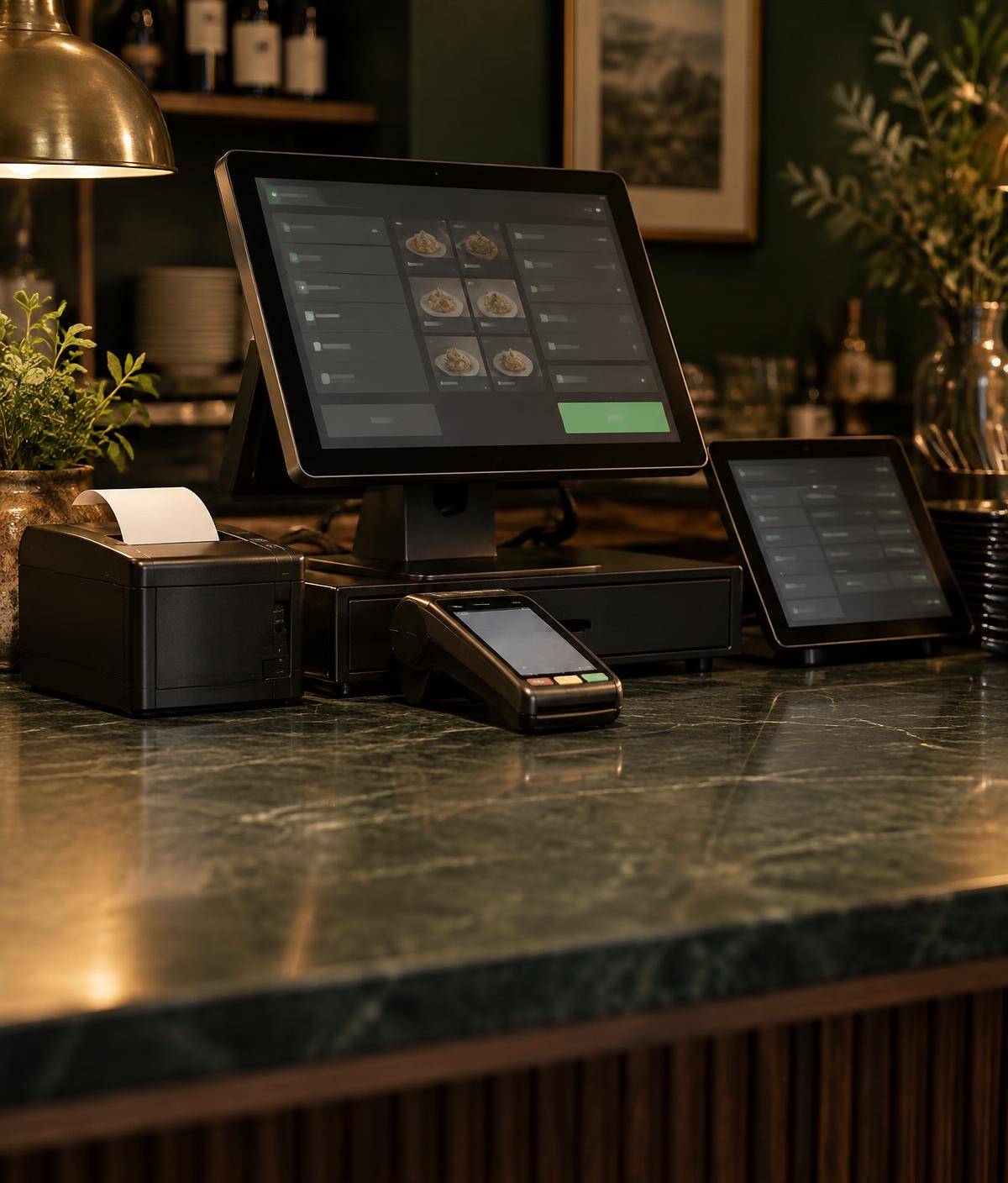
Illustrative monthly add-on prices. More add-ons. A bigger sale.
Buy what solves a problem. Add more when it earns its place.
The goal is not to check every box. The goal is to identify the boxes your business actually needs.
Many modern POS platforms bundle software, hardware and payment processing together.
That can simplify setup and support, but it can also affect pricing, contract terms, hardware flexibility and what happens if you later want to change processors.
Before choosing the system, understand what comes with it.
Offer A
$0 upfront

36-month contract Example commitment
An offer may tie equipment to a processing agreement. Review the term, fees and exit conditions.
Offer B
Upfront purchase
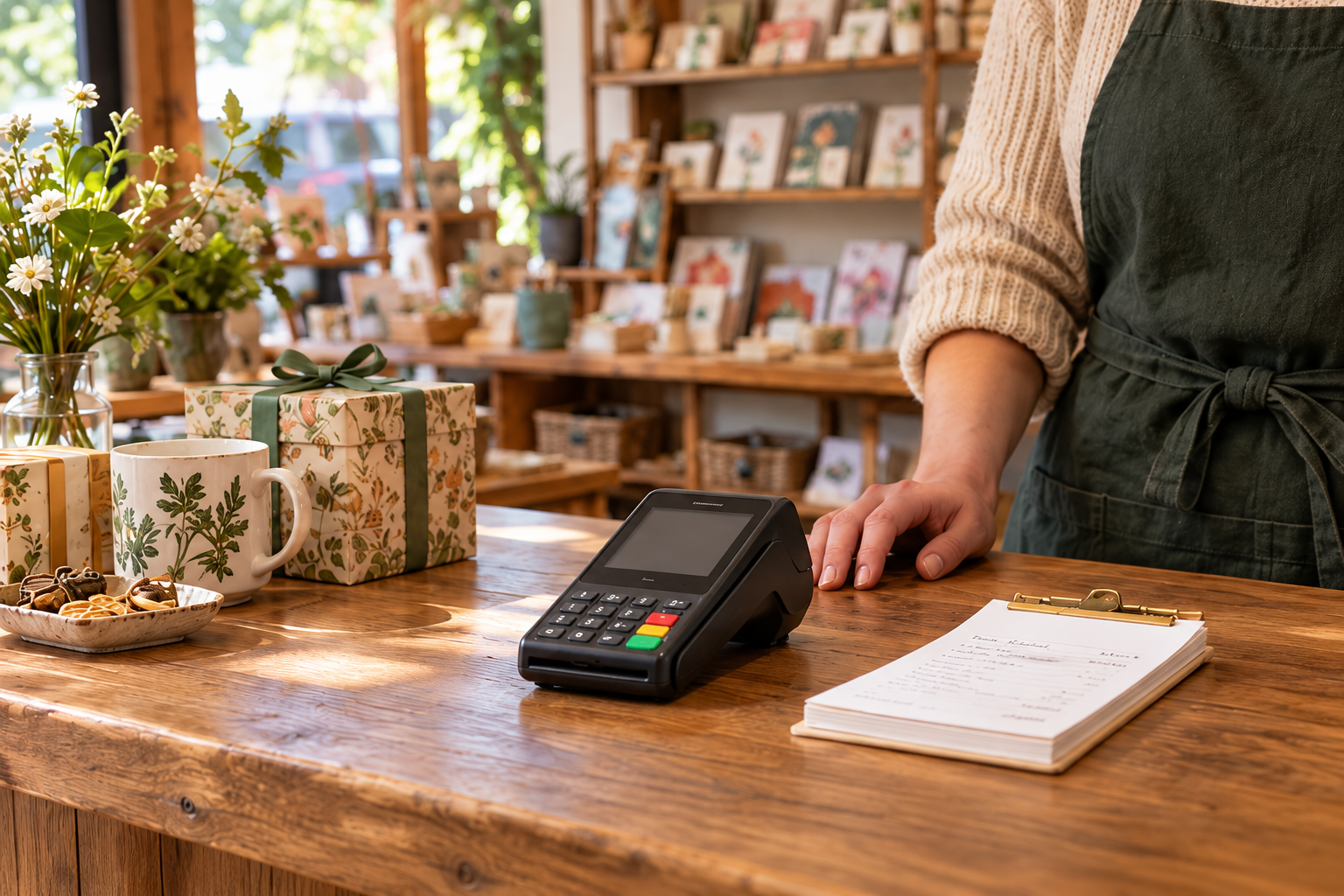
Potentially more processor flexibility
Ownership may allow more choice, depending on hardware compatibility, platform requirements and agreements.
The lowest upfront cost isn’t always the best long-term fit.
Illustrative offers, not actual quotes. Neither arrangement guarantees contract terms or processor flexibility. Photos illustrate hardware, not equipment included in an offer.
Contract, fee and funding considerations
POS & payment flexibility
Some systems bring the pieces together. Others allow more choice across compatible providers.
Neither approach is automatically better.
One connected ecosystem
Software, payments and core tools are designed to work together.
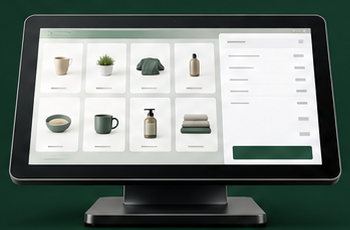
Check what is bundled—and what happens if you want to change.
More provider options
Compatible providers and integrations can be selected around the business.
Check which connections are supported—and who owns each issue.
The right balance depends on the business.
Conceptual comparison. Capabilities, compatibility and provider requirements vary by platform.
What to ask before choosing

Support
Your support hours should match your business hours.
A POS system can become operationally critical.
Before recommending a platform, Merchant Counselor considers not only features and pricing but also installation, training, support structure and how problems are handled after deployment.
Getting someone on the phone is the first step. Can they access your system, diagnose the issue and help you recover?
Support is part of the product.
Network & Infrastructure
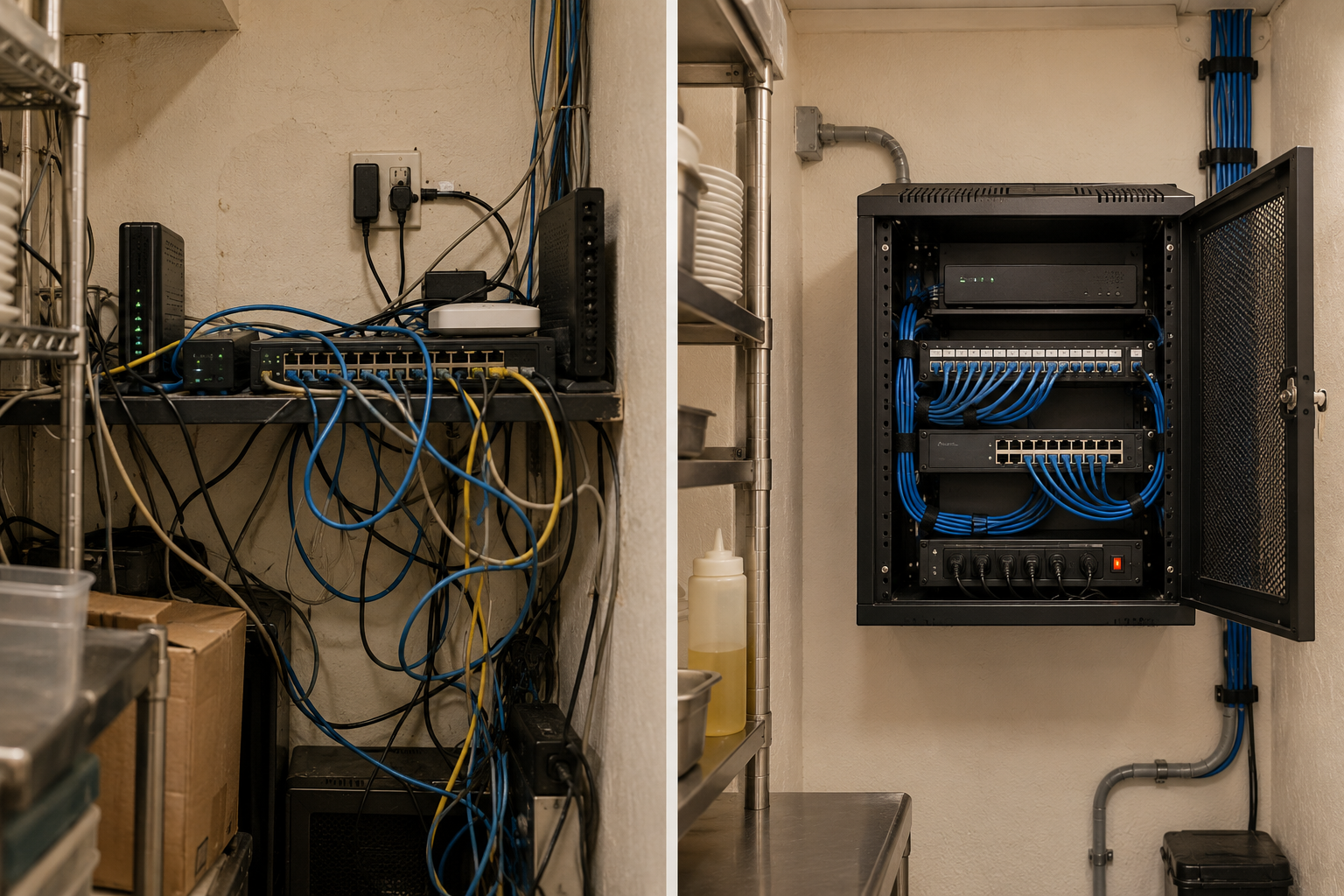
Modern POS environments often depend on internet connectivity, routers, switches, wireless access points, printers, payment devices and cloud services working together.
A software problem and a network problem can look remarkably similar from the counter.
Sometimes the fix is in the network—not a new POS. Check connectivity and configuration before replacing the system.
Messy setup
Organized setup
Learning a new system, migrating menus or inventory, configuring hardware and retraining employees all create real operational costs.
A new POS should justify that disruption.
Change should earn its way into the business.

We place a demo station on site so staff can test the workflow and identify functional issues before launch. We facilitate menu and inventory migration with merchant input where needed, configure and install hardware, and train staff and managers.
Training often spans one or two days, depending on the project. Managers can help train other staff, and you can call us for remote assistance afterward.

Understand the business, workflow, current POS environment, payment setup and operational pain points.
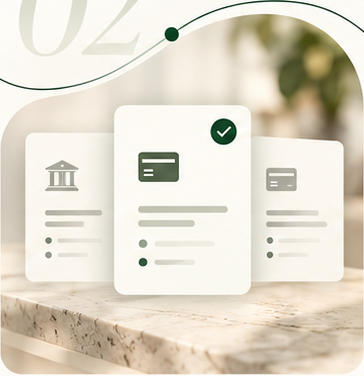
Compare appropriate POS environments and explain the strengths, limitations and trade-offs of each path.
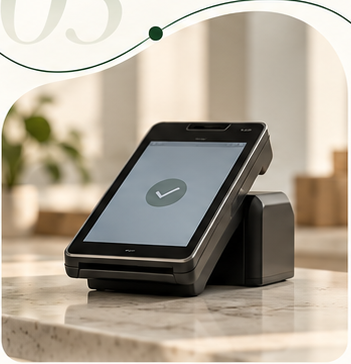
Help coordinate processing, equipment, configuration, installation and transition when a new system is appropriate.

Continue evaluating the environment as the business, software and payment needs change.
That is not a decision you need to make before contacting us.
Tell us how your business operates, what you use today and what you want the system to do.
We'll help narrow the options from there.
No one-size-fits-all POS recommendation