Payment Optimization

You may not need a new processor.

You may need a clearer understanding of what is happening inside your current payment environment.

Merchant Counselor helps businesses identify where payments are underperforming and what, if anything, should change.

Merchant reviewing payment activity on a laptop beside a payment terminal and paperwork in her shop.

A clearer plan for your payments

  • Keep what works

    Preserve useful tools and relationships

  • Find the friction

    Review approvals, costs, and disputes

  • Change what’s needed

    Focus on the issues the review identifies

Illustrative payment setup review

What we look at first

  • Approvals

    where transactions are lost

  • Cost

    what you pay, and for what

  • Disputes

    prevention and outcomes

  • Structure

    accounts · routing · reporting

DIAGNOSE BEFORE YOU CHANGE

Before changing providers,find the real problem.

A decline, dispute, or cost issue can have several causes. Review the evidence before choosing a fix.

01 / SYMPTOM

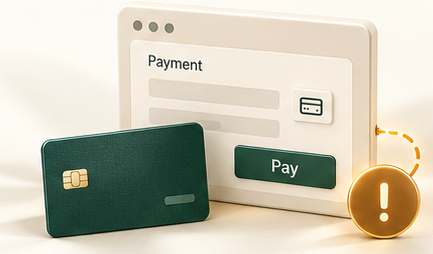
Conceptual checkout and payment card with an amber symptom alert and dotted connection.

Customers can’t complete payment.

Declines are happening more often than expected.

Start with the reported issue

02 / INVESTIGATION

Payment records in a green investigation folder with a magnifying glass reviewing the evidence.

Look beyond the processor.

  • Review decline responses
  • Check gateway and fraud settings
  • Compare patterns by card and channel

03 / POSSIBLE NEXT STEP

Conceptual provider module with a sage settings gear and connected ivory adjustment piece.

Make a targeted change.

If the evidence points to a configuration issue, review the relevant settings before considering a provider change.

Keep what is working

The symptom tells us where to start.
The evidence guides what to change.

Merchant Counselor reviews the full payment environment before recommending a solution.

Illustrative example. Findings and recommendations depend on your payment environment.

OPTIMIZATION AREAS

What can be optimized?

Choose an area to explore.

Explore the area that matches the friction in your payment setup.

Decline analysis

Every declined transaction deserves context.

An approval decision can depend on the transaction, the issuing bank, and how your payment setup is configured.

Conceptual case file: a forest-green payment investigation folder holding an illustrative receipt for a declined $125.00 online purchase on a card ending 4242, reviewed with a brass magnifying glass.
The response alone doesn’t explain the full picture.

Behind the decline

Three areas to review

Transaction details
  • Payment data and verification results
  • One-time or recurring billing
  • Previous attempts and timing
Issuer responseResponses and patterns
  • Issuer response codes and available explanations
  • Patterns across issuing banks and BIN ranges
  • Retry eligibility and timing under applicable rules
Payment setupGateway, account structure, and routing
  • Gateway configuration and fraud settings
  • Merchant account structure and descriptors
  • Routing options and provider constraints
Explore Approval Rate Optimization

Illustrative example. Review findings depend on the available transaction data.

The goal is to understand lost legitimate payments, not approve every transaction.

A decline code is a starting point—not a complete explanation.

Processing costs

A lower rate doesn’t tell the whole story.

Compare the total cost of your payment setup with how it performs for your business.

Approvals, funding, support, reporting, and time all belong in the review.

Conceptual balance scale resting level: one tray holds a processing statement, slips and a payment card; the other holds a payment terminal, support headset and performance report.

What you pay

Look beyond the quoted rate.

  • Processing fees
  • Software and gateway
  • Equipment and other costs

What you get

Review the day-to-day impact.

  • Payment performanceApprovals and reliability
  • Funding and supportDeposit experience and help when needed
  • Management timeReporting, reconciliation, and manual work
Analyze Processing Costs

Conceptual comparison. Illustrative only.

Understand the total cost—and what that cost delivers.

Fraud & Risk

Reducing fraud and maximizing approvals requires balance.

Too little friction can increase fraud and disputes. Too much can block legitimate customers.

We review fraud controls and payment performance together.

Conceptual open checkpoint gate on a stone plinth, with card tiles, a coral warning tile and a red indicator, illustrating light controls and potential exposure.

LESS FRICTION

Too little friction

More exposure

Light controls may let through transactions that later become fraud losses or disputes.

Conceptual partially closed checkpoint gate on a stone plinth, with a card tile, warning tile and green indicator, illustrating the review of both risk and customer access—not an optimal setting.

BALANCED CONTROLS

Review risk and access

Consider both sides

Examine fraud tools alongside approvals, customer experience, and dispute outcomes.

Conceptual closed checkpoint gate on a stone plinth, with card tiles outside and an amber indicator, illustrating strict controls that may block legitimate customers.

MORE FRICTION

Too much friction

Lost legitimate sales

Strict rules may block customers who would have paid—and hide the cost of lost sales.

Conceptual illustration—not an operational control or an optimal score.

Tools commonly reviewed

  • RDR
  • Ethoca
  • Verifi
  • 3DS
  • Alerts
  • Dispute trends
  • Representment
  • Monitoring programs

Protect the sale without unnecessarily blocking it.

The right tools depend on the business. No single tool is a universal recommendation.

Explore Chargeback Management

Payment Architecture

Sometimes the problem is not one provider.It is how the pieces fit together.

We review the connections across your payment environment—then compare what to keep and what may need to change.

Illustrative merchant workspace with a laptop showing an orders screen marked 01 and a card terminal marked 02, beside a notebook listing check integration, review settings, confirm reporting and follow up.
A simplified view for review—not a literal sequence for every transaction.

What connects to what?

  • Customerhow the payment is started
  • Business softwarewhere the sale is created
  • Gatewayhow payment information is passed
  • Merchant account structurehow accounts and routing are organized
  • Processor / acquirerwhere the transaction is handled

Fraud tools, billing, routing, and reporting also shape the environment.

Two paths worth comparing.

Neither is chosen automatically.

01 / Refine

Preserve the current setup

Assess whether compatible tools or configuration changes can address the identified gap.

Keep useful pieces
02 / Reconnect

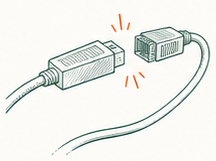
Consider a different integration

Compare alternative software or gateway connections when the current environment cannot support the needed capability.

Assess compatibility

The right change depends on how your systems work together.

About this example

Illustrative architecture. Available options depend on integrations, provider requirements, and business needs.

Data-driven decisions

Change should be based on evidence.

When possible, Merchant Counselor prefers to compare a proposed change against the current environment rather than assuming the new solution is better.

Test. Measure. Decide.
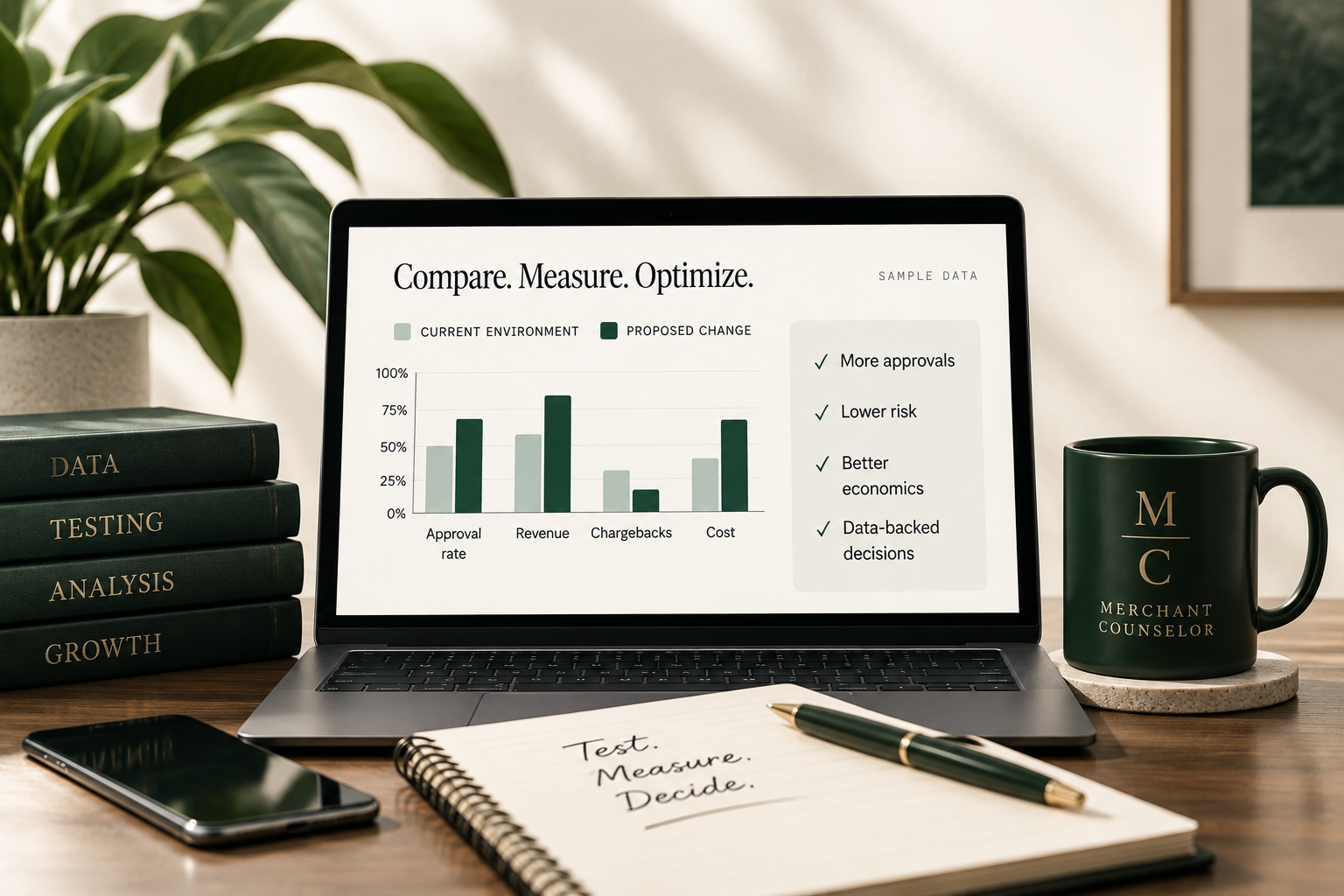
Laptop displaying a sample comparison of current environment versus a proposed change across approval rate, revenue, chargebacks and cost.
  1. 01

    Establish a baseline

    Understand current performance, including approvals, costs, chargebacks and customer experience.

  2. 02

    Implement a limited change where technically possible

    Make targeted adjustments rather than a full replacement when feasible.

  3. 03

    Measure performance

    Track results using real data over a defined period of time.

  4. 04

    Compare results

    Evaluate the impact against the baseline to determine what is working.

  5. 05

    Expand only when the data supports it

    Scale successful changes and consider broader implementation.

Testing methods depend on the merchant's technology, integrations and provider environment. Not every change can be trialed before it is made.
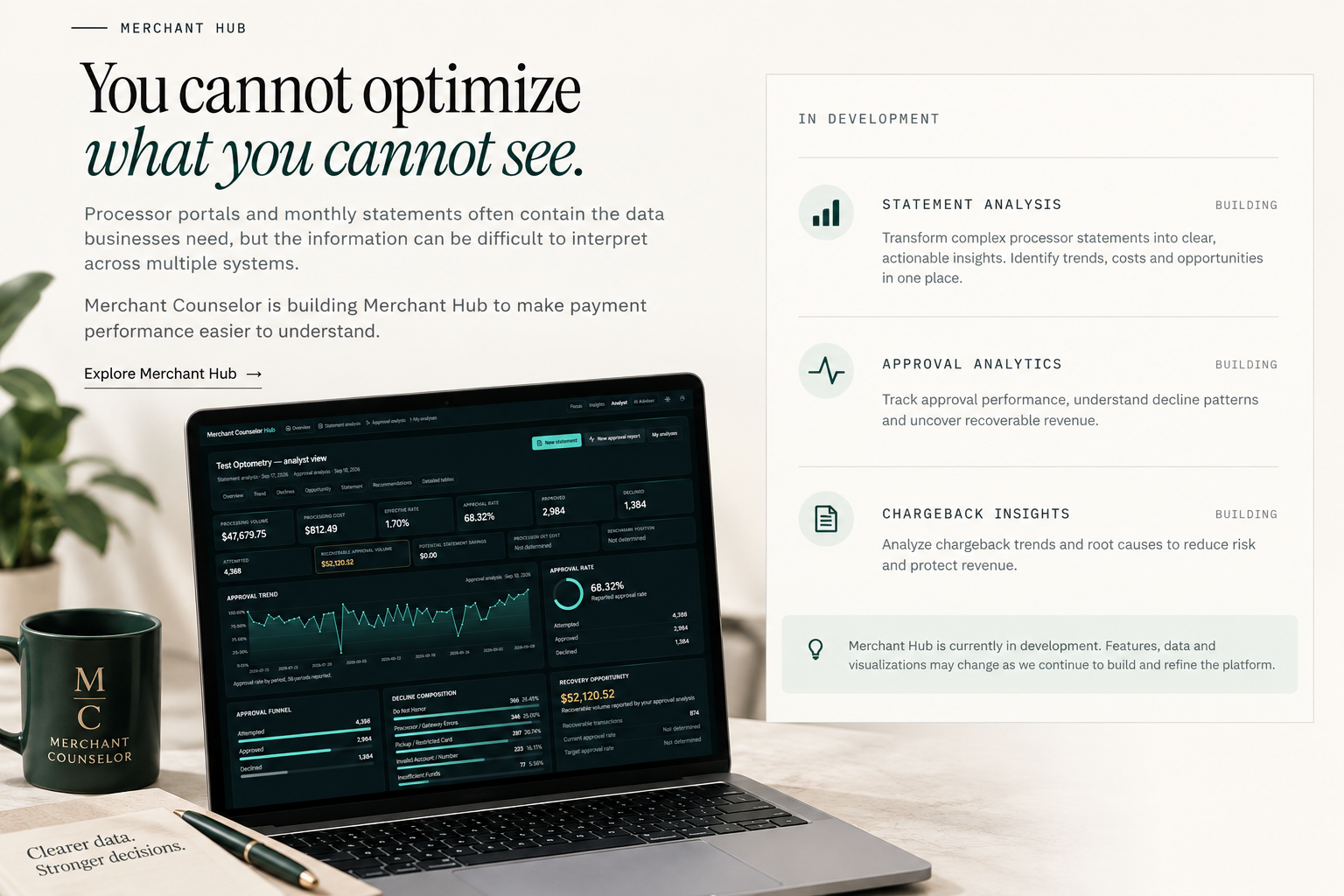

Merchant Hub preview: headline “You cannot optimize what you cannot see.” beside a sample Merchant Hub dashboard showing approval metrics, decline composition and recovery opportunity, with Statement Analysis, Approval Analytics and Chargeback Insights listed as in development.

How Merchant Counselor helps.

  1. Laptop displaying payment analysis beside a sketched workflow.

    Assess

    Gather processing statements, reports, authorization data and information about the current payment environment.
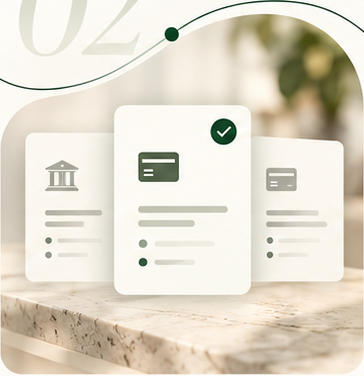
  2. Three payment option cards arranged for comparison.

    Advise

    Identify areas where changes may improve performance, cost, reliability or risk.
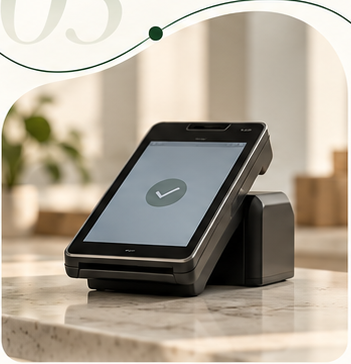
  3. Payment terminal showing a completed setup check.

    Implement

    Coordinate approved changes with the relevant providers, platforms or technologies.

  4. Laptop showing payment performance improving over time.

    Optimize

    Measure results and continue evaluating performance as transaction patterns and business needs change.

Not sure what needs to change?

That is exactly where we start. Tell us what you are seeing — declines, chargebacks, high costs, unreliable processing, confusing reports or something else. We will help you determine where to look.

Review My Payment Environment

No processor switch required