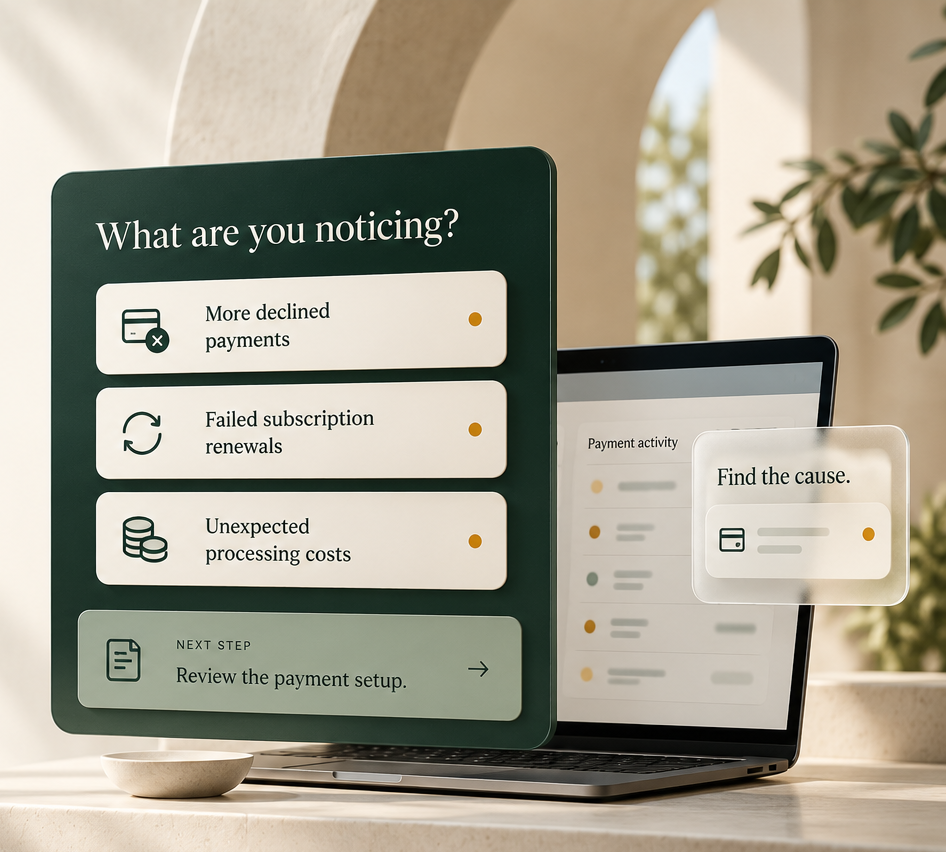
Online Payments
Online payments are more than a checkout page.
Merchant Counselor helps businesses design and optimize the payment infrastructure behind ecommerce, subscriptions and recurring revenue.
We look at the entire payment flow — not just the processor.


BEHIND THE CHECKOUT
She taps “Pay now.”What happens next?
A simple purchase depends on several systems working together.
- 01
Checkout
The customer submits her payment details.
- 02
Gateway
Securely sends the payment request.
- 03
Processor
Passes the request to the card network.
- 04
Card network
Routes the request to her bank.
- 05
Her bank
Approves or declines the payment.
The decision returns to checkout.
Simplified card authorization journey.
When a payment fails, we help identify where—and why.
Start with what you need to solve.
Choose an area to explore.
Accept payments online
Ecommerce Processing
Evaluate merchant accounts, pricing and processing relationships for your online store.
ExploreConnect your checkout and payment tools
Payment Gateways
Connect transaction flow and tokenization with your platforms and providers.
ExploreManage repeat payments
Subscriptions & Recurring Billing
Manage subsequent billing, card updates and payment retries.
ExploreFind a setup for your business model
Specialized Payments
Explore arrangements suited to your business model, volume or industry.
ExploreCoordinate multiple payment providers
Payment Orchestration
Evaluate multiple accounts, providers and routing options.
Explore
BETTER CHECKOUT EXPERIENCES
An honest mistake shouldn’t end the sale.
Help customers correct payment details while keeping appropriate fraud controls in place.
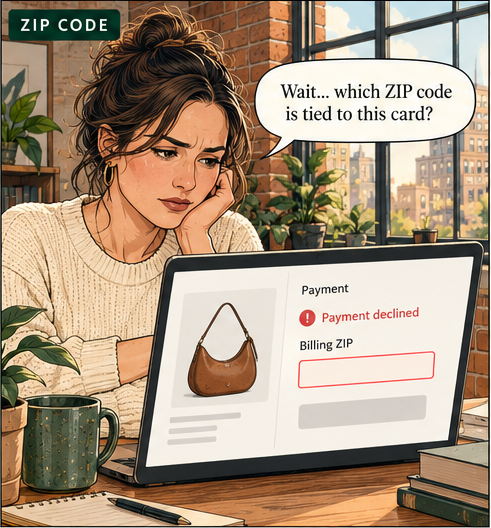
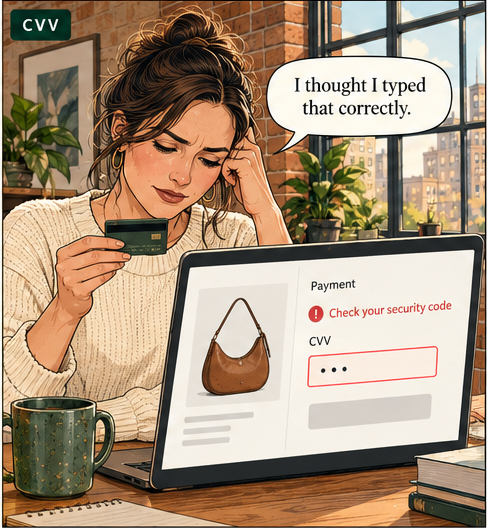
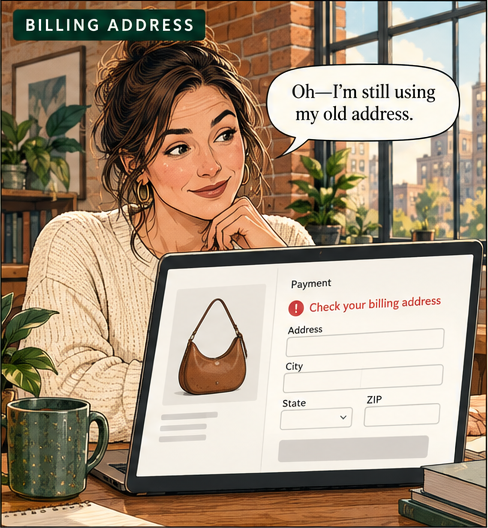
An honest mistake can become a lost sale. Corrected details—and how the next attempt is routed—can affect the outcome.
Illustrative checkout scenarios.
Subscriptions & Recurring Billing
The customer still wants the coffee. Can the next payment go through?
A replacement card can interrupt an ongoing subscription.
Month 1

First delivery.
The subscription begins with a successful payment.
Between deliveries

New card. Same subscription.
Her saved payment details may need updating.
Next billing date
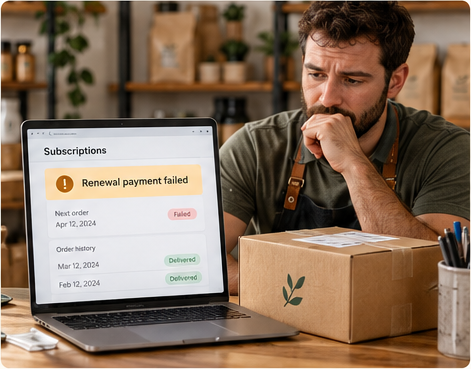
Next month’s delivery?
A failed renewal can interrupt the next order.
The right setup helps manage payment interruptions while respecting the customer’s subscription choices.
Illustrative subscription scenario.
Different businesses.Different payment infrastructure.
The setup should fit the way your business operates.

One stand. One payment route.
One merchant account can fit the job.
Simple setup
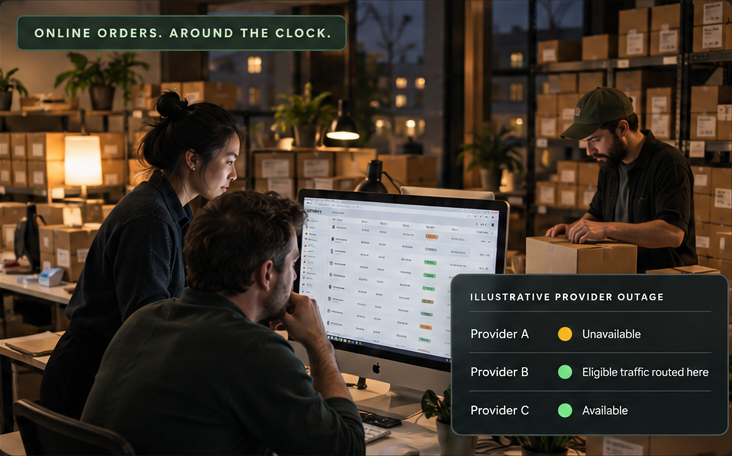
Illustrative provider outage
- Provider A
- Unavailable
- Provider B
- Eligible traffic routed here
- Provider C
- Available
More volume. More moving parts.
Redundancy and orchestration help coordinate available payment routes.
Additional providers depend on compatibility, underwriting and your business needs.
Test a proposed setup with limited eligible traffic before expanding.
Merchant Counselor
Not sure where the problem is?
Tell us what’s happening with your payments. We’ll help you identify where to look next.
Talk to a Merchant CounselorStart with the problem you’re seeing.