



02
POS Systems
Platforms where payment sits alongside ordering, inventory, employees and reporting.
Technology & Payment Infrastructure
Merchant Counselor works across multiple payment platforms and providers so the technology can follow the needs of the business.
We do not begin with a preferred product. We begin with the payment environment that needs to be built.
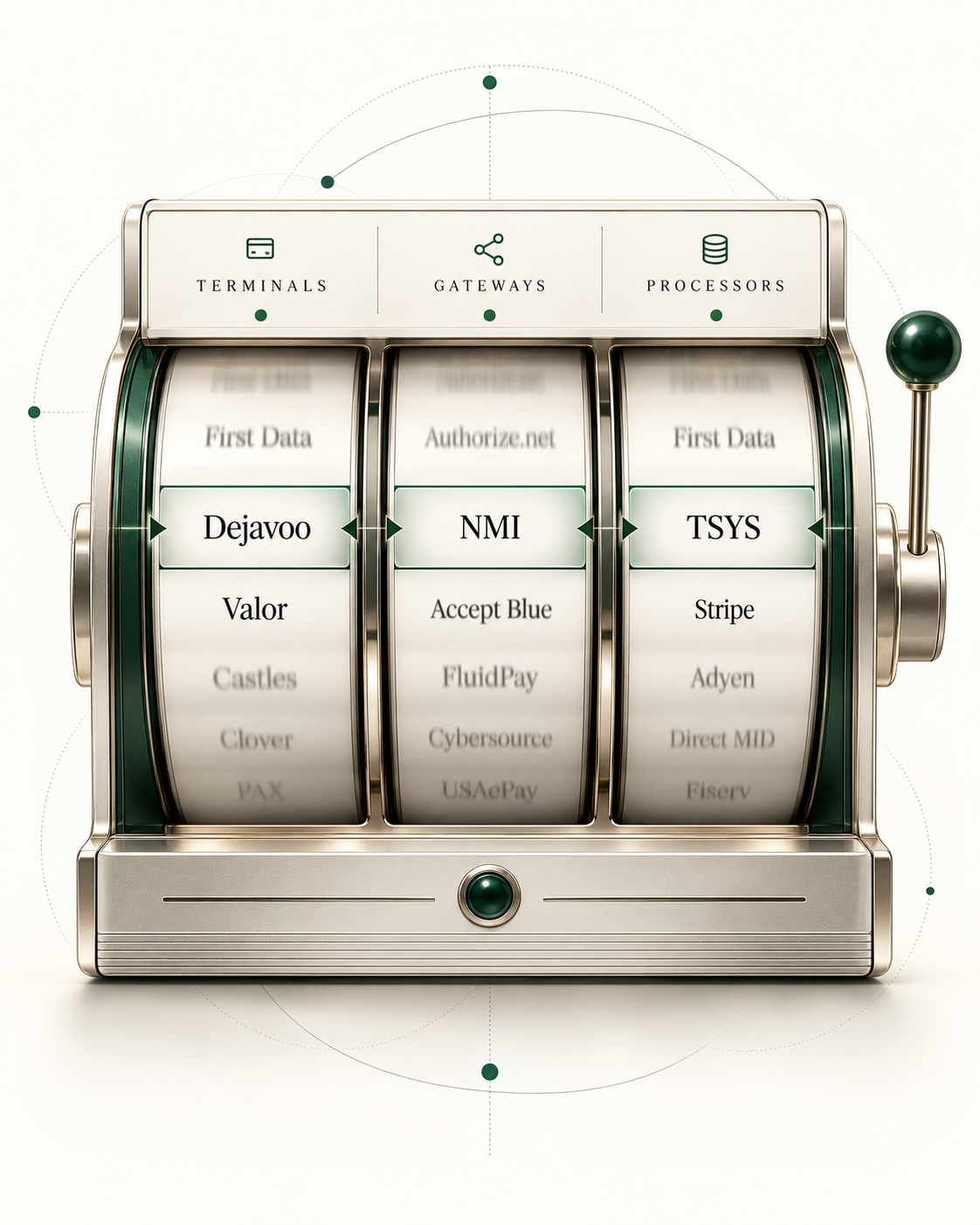
Each column shows options independently, not recommended combinations. Automatic motion is off for reduced motion preferences.
Connected payment systems
A customer update at checkout may not reach the system that runs the next renewal.
Illustrative example
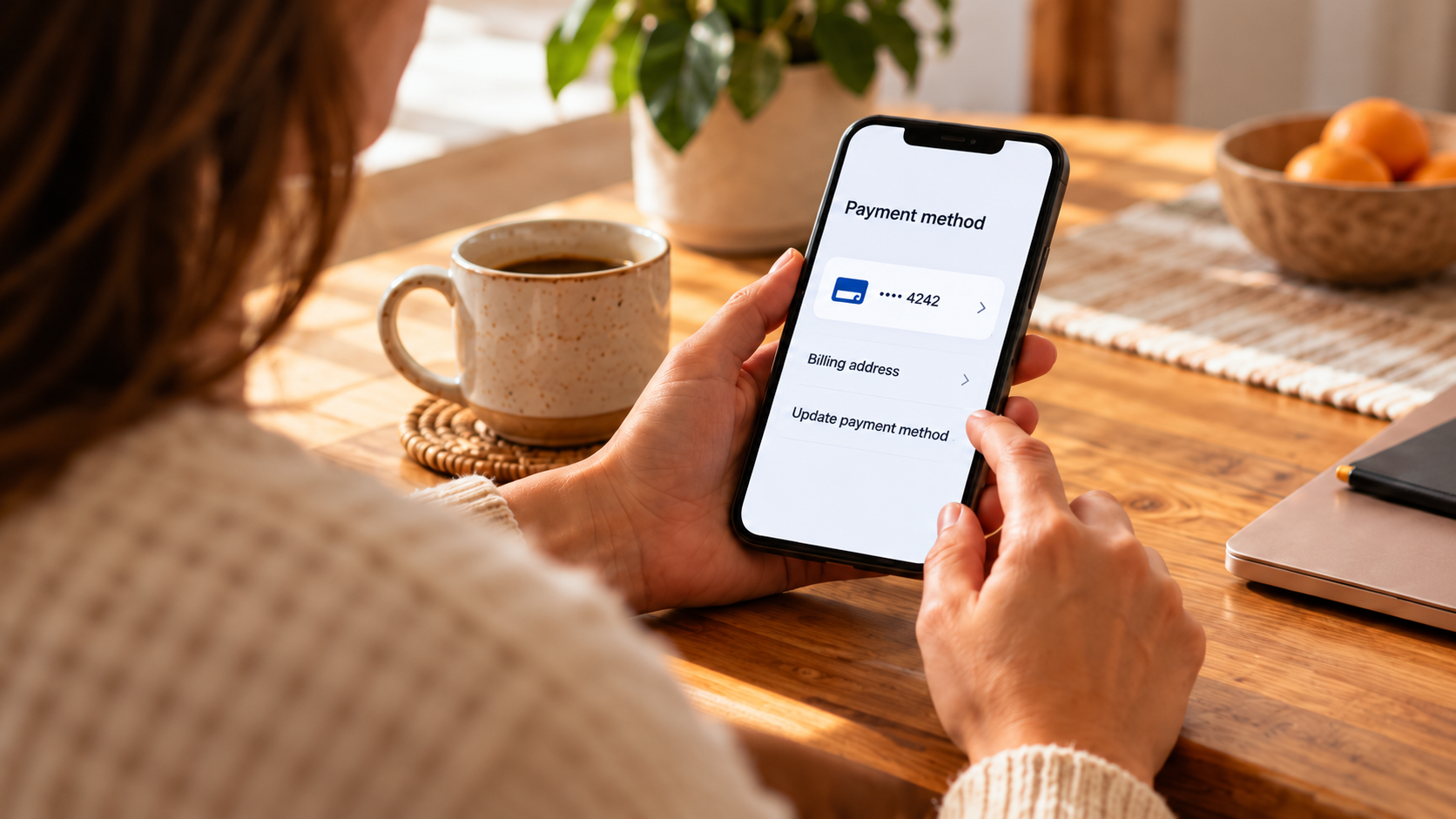
Card updated at checkout
The customer completed the update.
Update didn’t reach billing
Renewal failed in this example
The renewal used the outdated billing token.
One disconnected handoff can lead to a failed renewal.
Illustrative example. Updating the billing record does not guarantee authorization.
Technology that fits your business
Start with what your business needs. Then choose the tools to match.
What does your business need?

Possible direction
Connect ordering, payments, and reporting around the way your team works.
The right setup depends on your business, integrations, and goals.
Stage 01—Accept
02
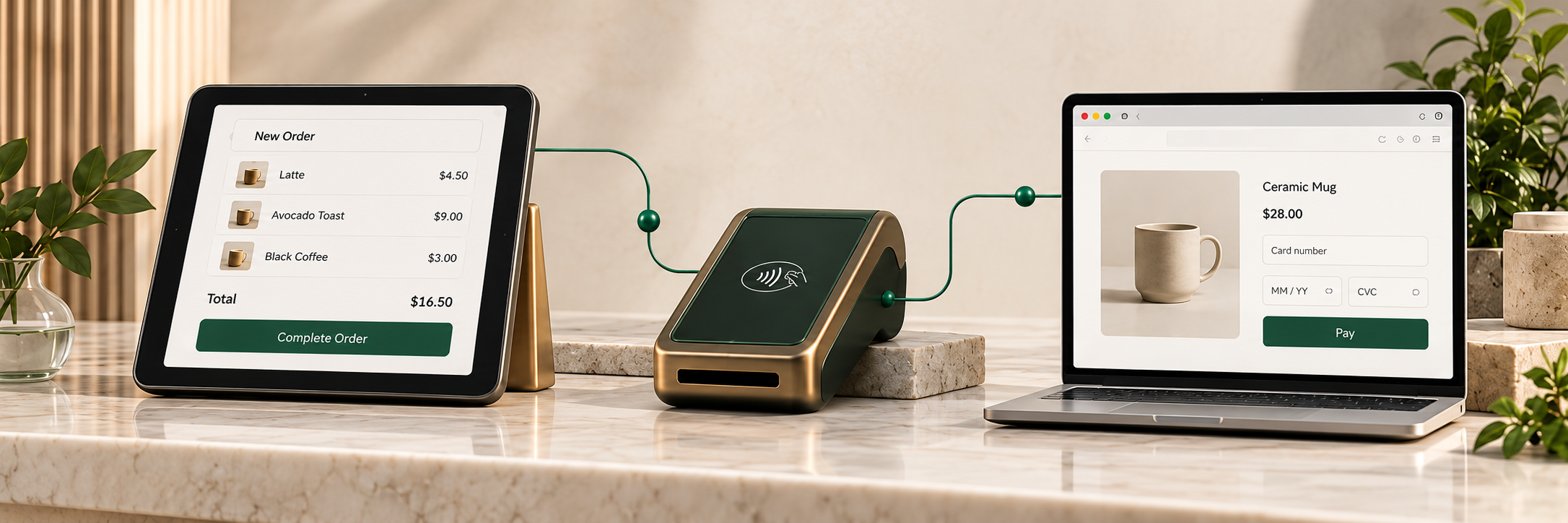
Platforms where payment sits alongside ordering, inventory, employees and reporting.
03
Countertop, wireless and semi-integrated devices for straightforward card acceptance.
05
Store platforms, checkout experiences and the integrations that connect them to payments.
Stage 02—Move & manage
01
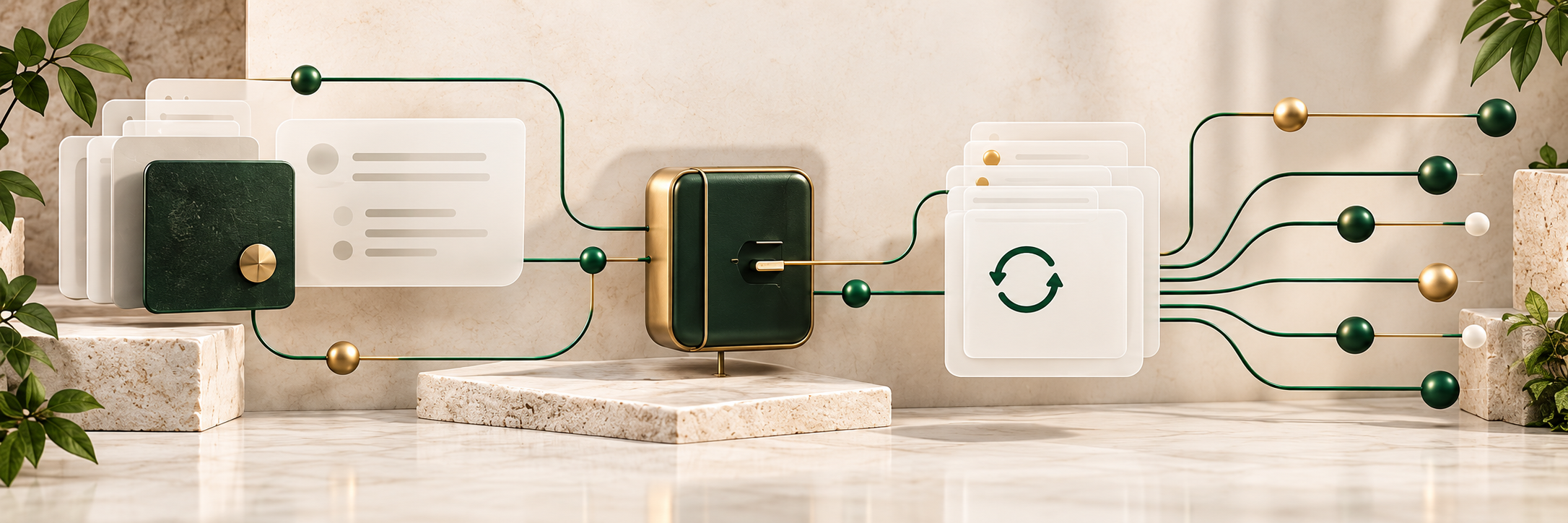
Merchant accounts and acquiring relationships that underpin how funds are authorized and settled.
04
The layer that transmits, tokenizes and connects transactions to platforms and providers.
06
Recurring billing logic, retries, card updates and token handling for ongoing revenue.
09
Directing transactions across accounts or providers where the environment allows it.
Stage 03—Protect & understand

07
Screening, authentication and rules that sit between the customer and the authorization.
08
Prevention, alerts, representment workflows and dispute monitoring.
10
Visibility across statements, authorizations, declines and disputes in one view.
A powerful system can still be the wrong system for a particular business.
The business determines the architecture. The architecture determines the technology.
We evaluate workflow, integrations, risk, reporting and growth before recommending tools.

Needs: ordering, tips, kitchen flow
Possible fit: integrated POS
Needs: invoices, recurring clients, ACH
Possible fit: billing + payment gateway
Similar payment acceptance needs can require different architecture.
Technology that fits your business
Improving your payment environment does not always require replacing every provider or system.
Preserve what works. Evaluate the connections around it.

Illustrative compatible setup
POS
The system your staff already knows.
Gateway
The existing compatible connection.
Processor
An eligible alternative, where supported.
Example: retain the POS and gateway while changing the processing layer.
Possible paths to review
Keep the POS, change the processor.
Keep the processor, change the gateway.
Keep the gateway, improve routing.
Keep the overall stack, add better chargeback tools.
These combinations are not possible in every environment. What can be preserved depends on the technology, the integrations and the providers involved.
That is fine. Tell us what is working, what is not and what you are trying to improve. We can evaluate the payment environment around what you already have.
No forced platform change