Mobile Payments
Finish the job. Take the payment.
Accept payment on-site with your phone or a wireless terminal—or let dispatch send a payment link.
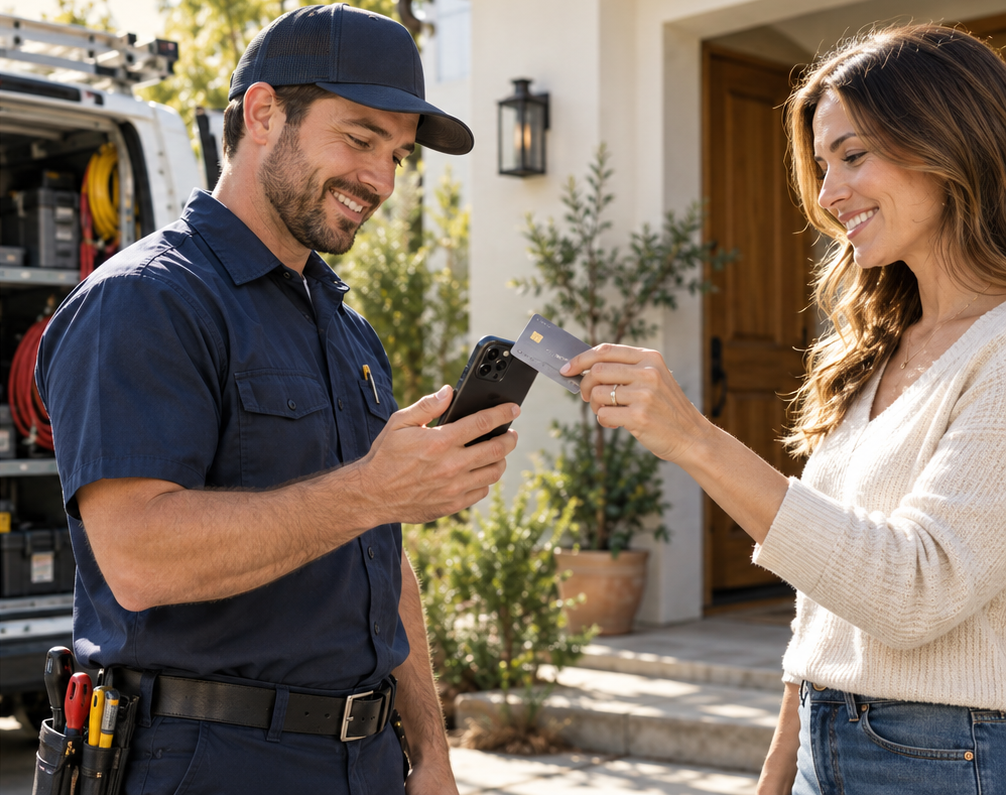
Three ways to get paid.
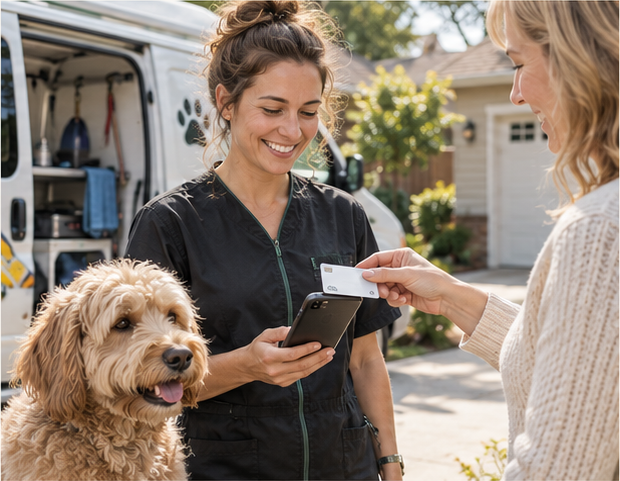
Tap to Pay on your phone
Customer taps a card or digital wallet.
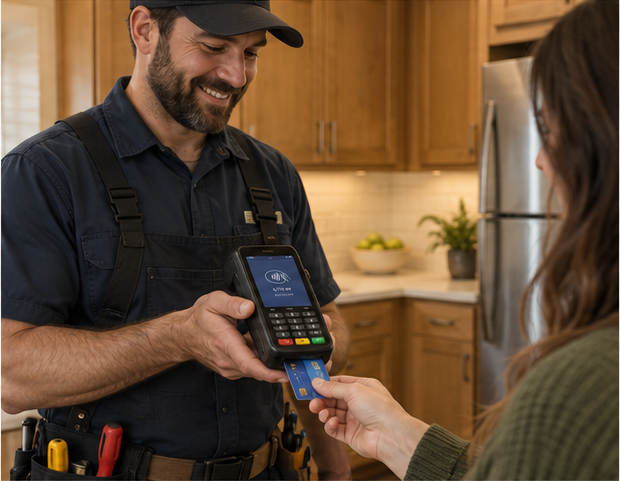
Wireless terminal
Take chip and contactless payments with a dedicated device.
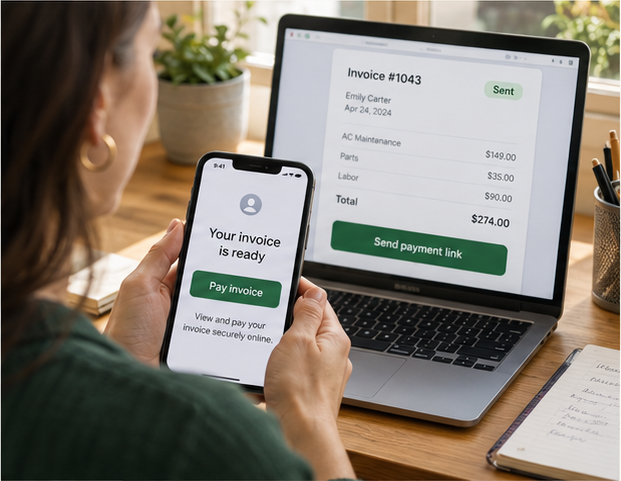
Payment link from dispatch
Send an invoice by text or email.
We’ll confirm device compatibility, coverage and battery needs—and plan for what happens if the connection drops.
Mobile Payments
How you collect payment matters.
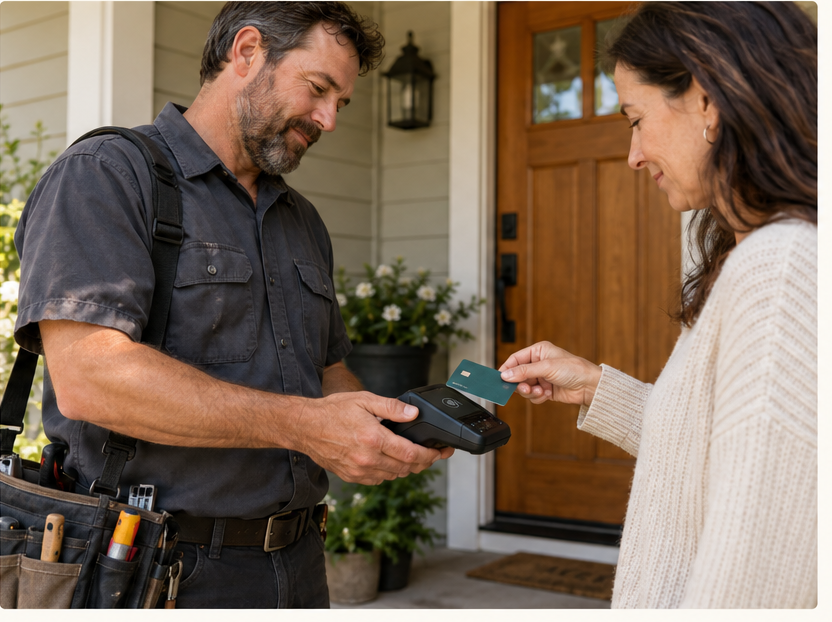
Keep processing costs in check.
Tap and chip can cost less than manual entry, depending on your pricing.
Reduce fraud exposure.
Electronic card capture can reduce certain fraud risks. Chargebacks are still possible.
Collect when the job is done.
Take payment on-site instead of chasing a paper check.
Bigger job? Offer payment flexibility.
Buy now, pay later may be available for eligible businesses and customers.
Payment links use online pricing. Bank funding timing depends on your provider.
Your phone can be the card reader.
Enter the amount
Open your supported payment app and enter the total.
Customer taps
Customer taps a contactless card or digital wallet on your phone.
Confirm payment
Check for approval and offer a receipt.
Requires a compatible phone and supported payment app. No separate reader needed.
How Merchant Counselor Helps

Assess
Understand where payments actually happen and what gets in the way today.
Advise
Recommend the lightest configuration that fits those environments.
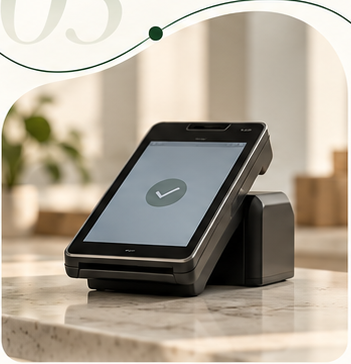
Implement
Coordinate devices, configuration and staff readiness.
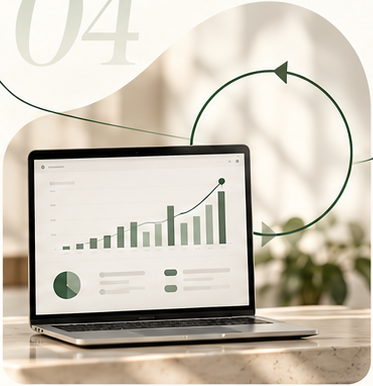
Optimize
Adjust as coverage, volume or the way you work changes.
Tell us where you need to accept payments.
We’ll help you choose how to collect payments—and track them back at the office.
Need inventory, order management or tools for your team? Explore POS Systems →
Get Started