Retail Payments & POS
Retail payments should fit the way your store actually sells.
Make checkout easier—and keep inventory, returns and online sales connected.

From checkout to inventory, returns and online orders.
Start with the store, not the system.
01 / Hula Girls
A simple setup for selling on the go.

1 / 3
Different stores. Different needs. Let’s find what fits yours.
Checkout on the Sales Floor
Bring checkout to your customer.
Scan items and take payment right on the sales floor. Keep shoppers moving when the counter gets busy.
Skip the checkout line
Serve shoppers where they are.
Easy for staff
Scan, confirm and take payment.
Digital receipts
Send a receipt before they leave.

Pay for what your team needs—and will actually use.
The right setup for your store.
Some stores need a simple payment terminal. Others need a full POS with inventory, online ordering and more. Make sure your setup fits how you sell.
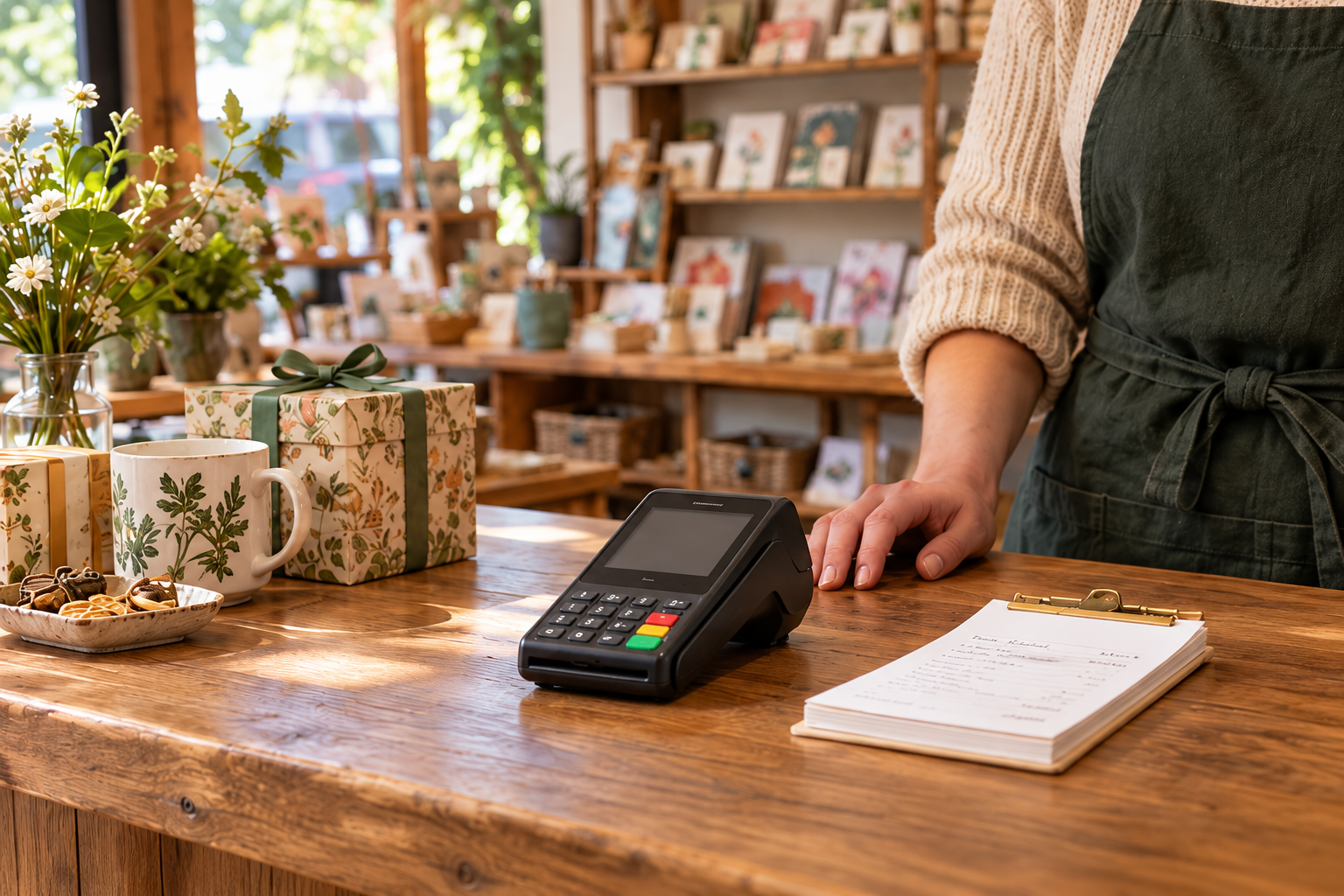
A simple payment terminal
Straightforward payments for straightforward needs.
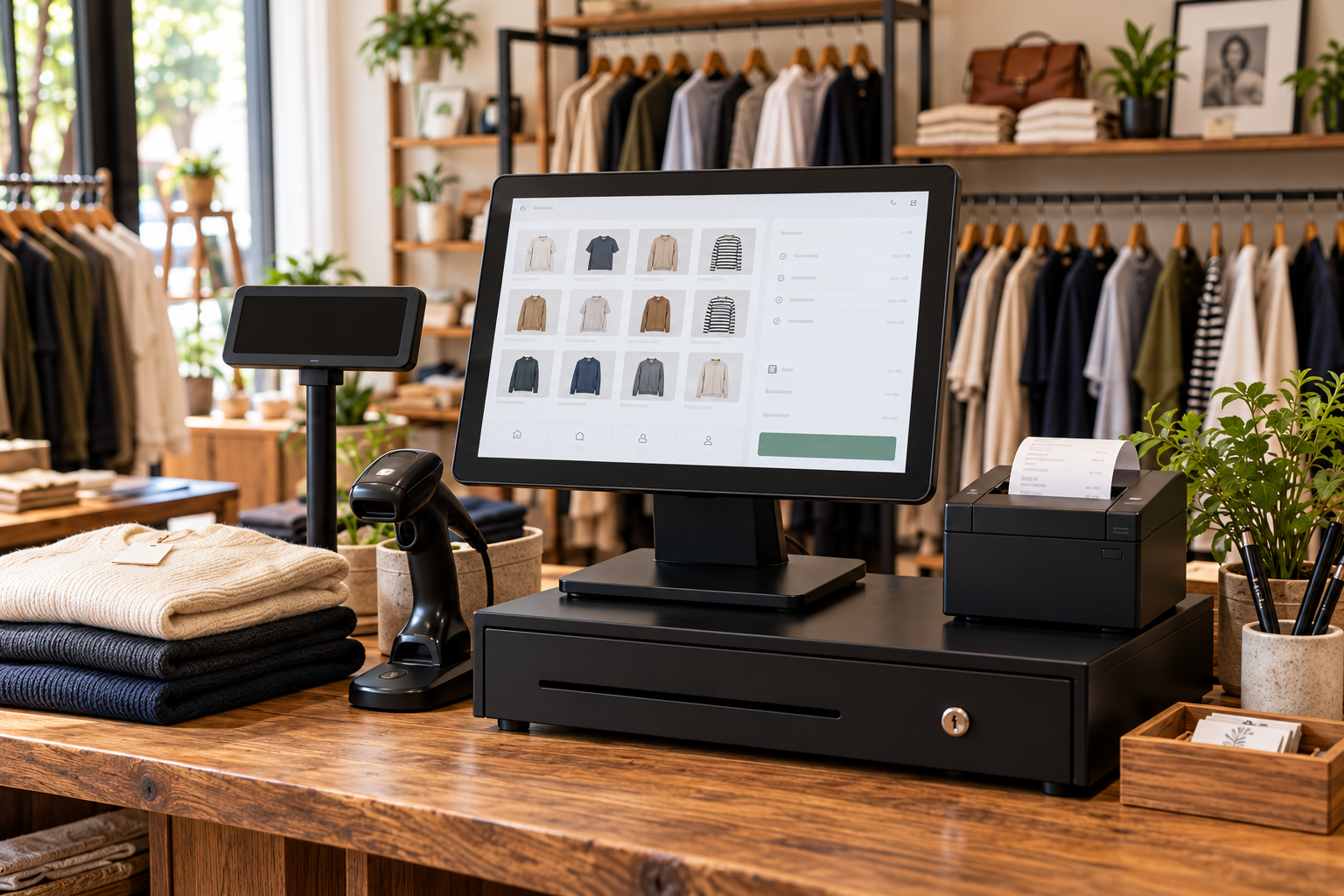
A full retail POS
Inventory, online sales and tools for your team.
Get what you need. Avoid paying for what you don’t.
How Merchant Counselor works with retailers.

Assess
Understand how the store sells, who works the counter and where the current setup creates friction.
Advise
Recommend POS and payment options that match the workflow — including keeping what already works.
Implement
Coordinate setup, configuration, hardware and staff readiness so the change lands during a manageable period.
Optimize
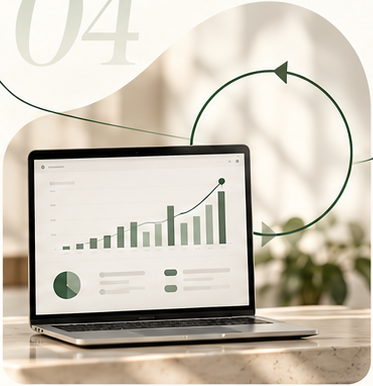
Revisit cost, reporting and workflow as the store grows, adds locations or changes how it sells.
Tell us how your store operates.
Share how you sell, what your staff handle at the counter and where the current setup gets in the way. We will help determine what should change — and what should stay.