Payment Gateways
Your checkout is only the beginning.
The gateway connects your checkout, payment tools and processing relationships.
We help you evaluate integration fit, stored payments and long-term flexibility.
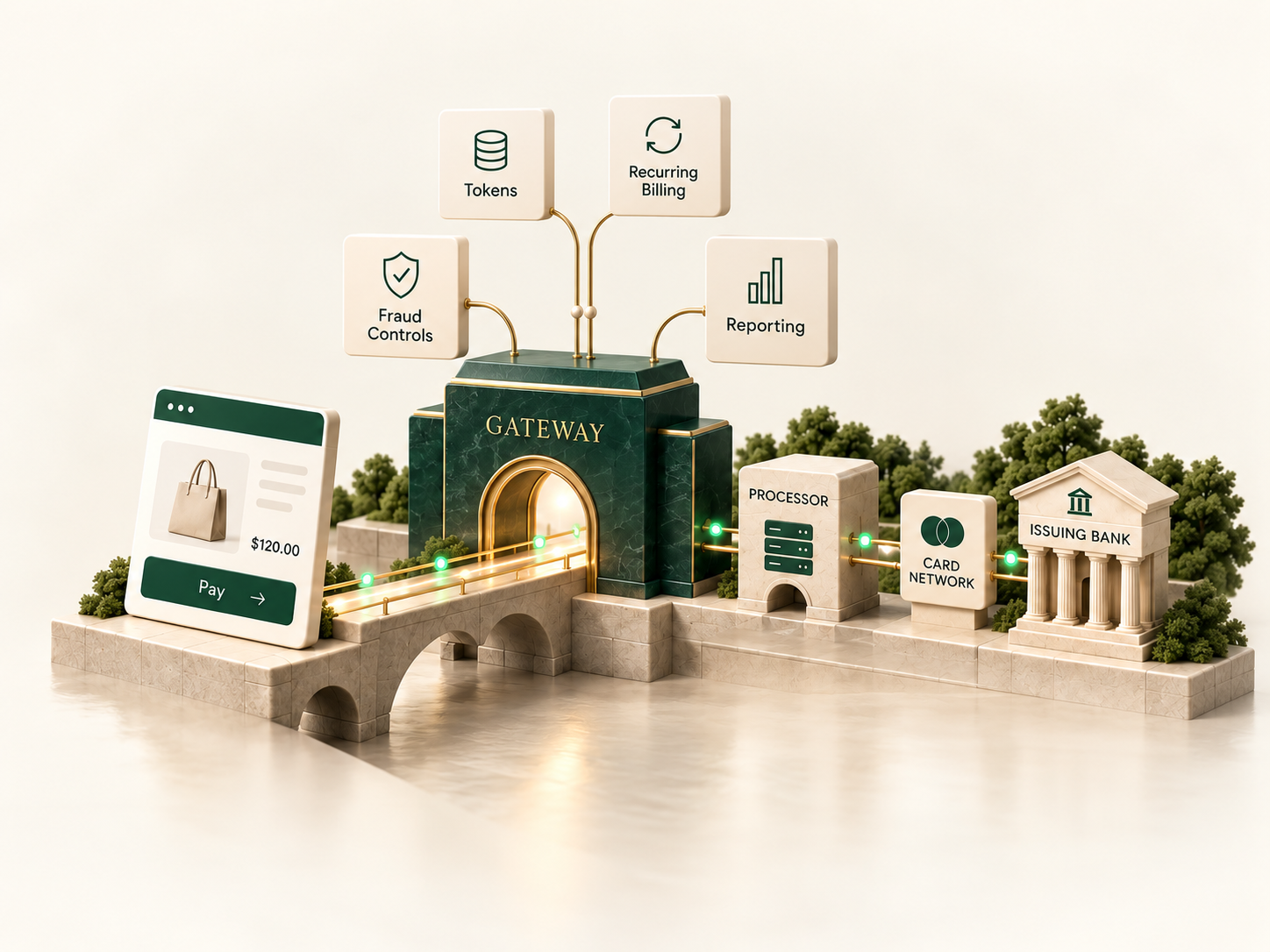
Together or separate. The trade-offs matter.
A gateway and processor can come from one provider—or be selected separately.
Bundled Environment

One provider. Fewer moving parts.
- Potential benefit
- Simpler setup and support.
- Trade-off
- Greater provider dependence.
Separate Gateway + Processor
Separate providers. More flexibility.
- Potential benefit
- More processor choice.
- Trade-off
- Additional fees and support coordination.
Neither is automatically better. The right structure depends on your business.
Connections depend on gateway compatibility, underwriting and provider agreements.
Explore Payment Orchestration →Great features mean little if the connection doesn’t fit.
Evaluate the integration before becoming dependent on a gateway. The setup should fit how your customers actually pay.
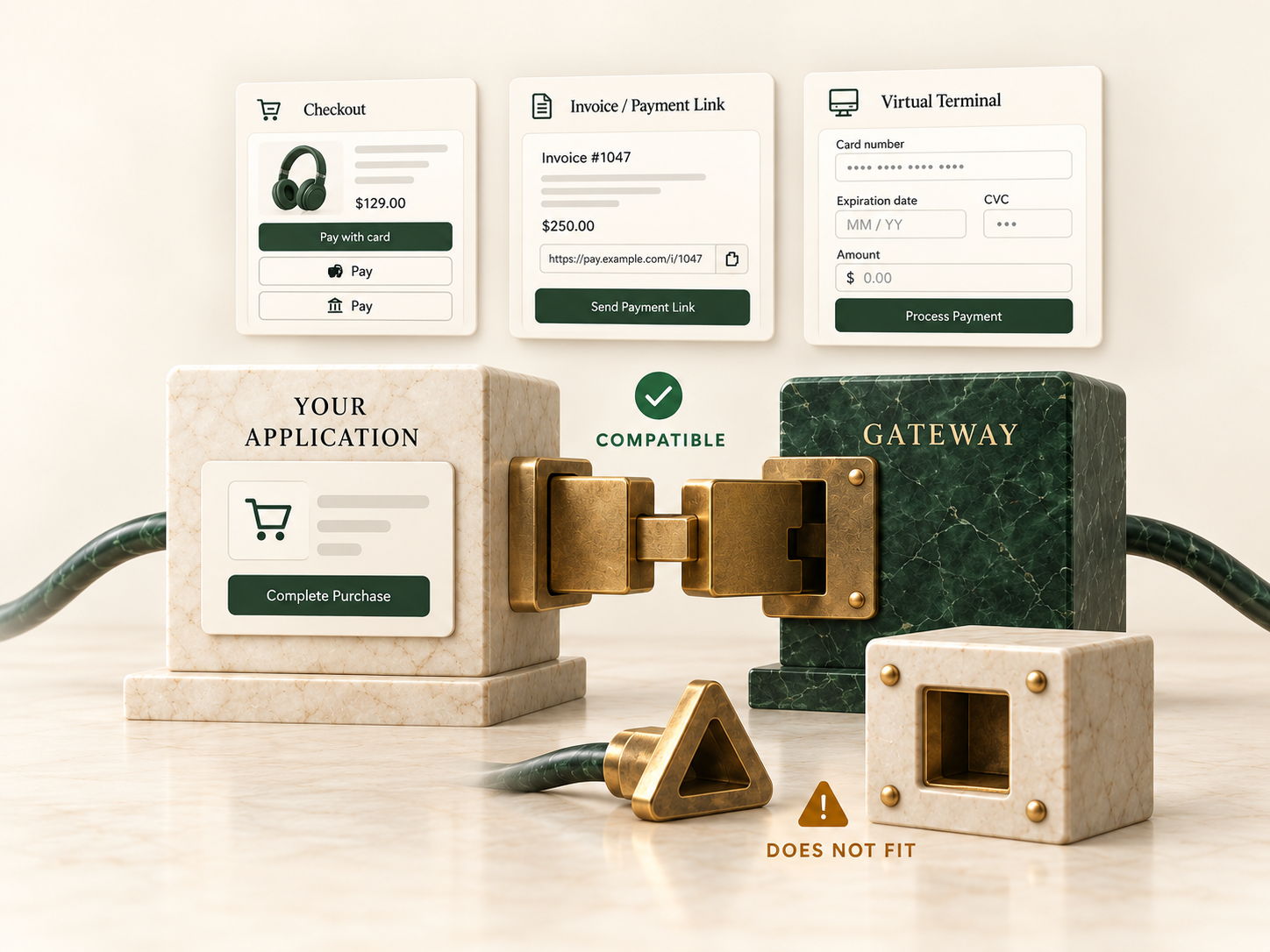
- Platform & development
- Confirm platform support, APIs, plugins, SDKs and webhooks.
- Checkout experience
- Choose hosted or embedded checkout that fits your application.
- Beyond the website
- Evaluate invoices, payment links and virtual terminals.
Keyed acceptance depends on the business model, underwriting and risk profile.
Tokens & Portability
Can your stored payments move with you?
Changing providers does not automatically transfer stored customer payments. Confirm portability before planning a move.
Ask about export rights, provider cooperation and subscription continuity.

- Export rights
- Confirm whether stored credentials can be exported, and in what form.
- Provider cooperation
- Ask how the current provider supports credential migration.
- Subscription continuity
- Plan how recurring payments continue if credentials cannot transfer.
Tokenized credentials support future payments; gateway, processor and network tokens can have different provider dependencies.
Tokenization does not remove a merchant's PCI obligations; it changes how those obligations apply.
Token ownership, export rights and migration capabilities vary by provider, contract, technology and card-network rules.
Capabilities that matter to your business.

Recurring Payments
Keep repeat payments running.
Evaluate stored payments, billing integrations, card updates and retry support.
Explore Recurring Billing →
Fraud Controls
Manage risk without blocking good customers.
Match fraud rules, verification tools and 3DS to your risk strategy.
Explore Fraud & Risk →
Reporting & Data
See what's happening—and why.
Access transaction records, decline responses and reporting tools.
Explore Approval Rates →Gateway Costs
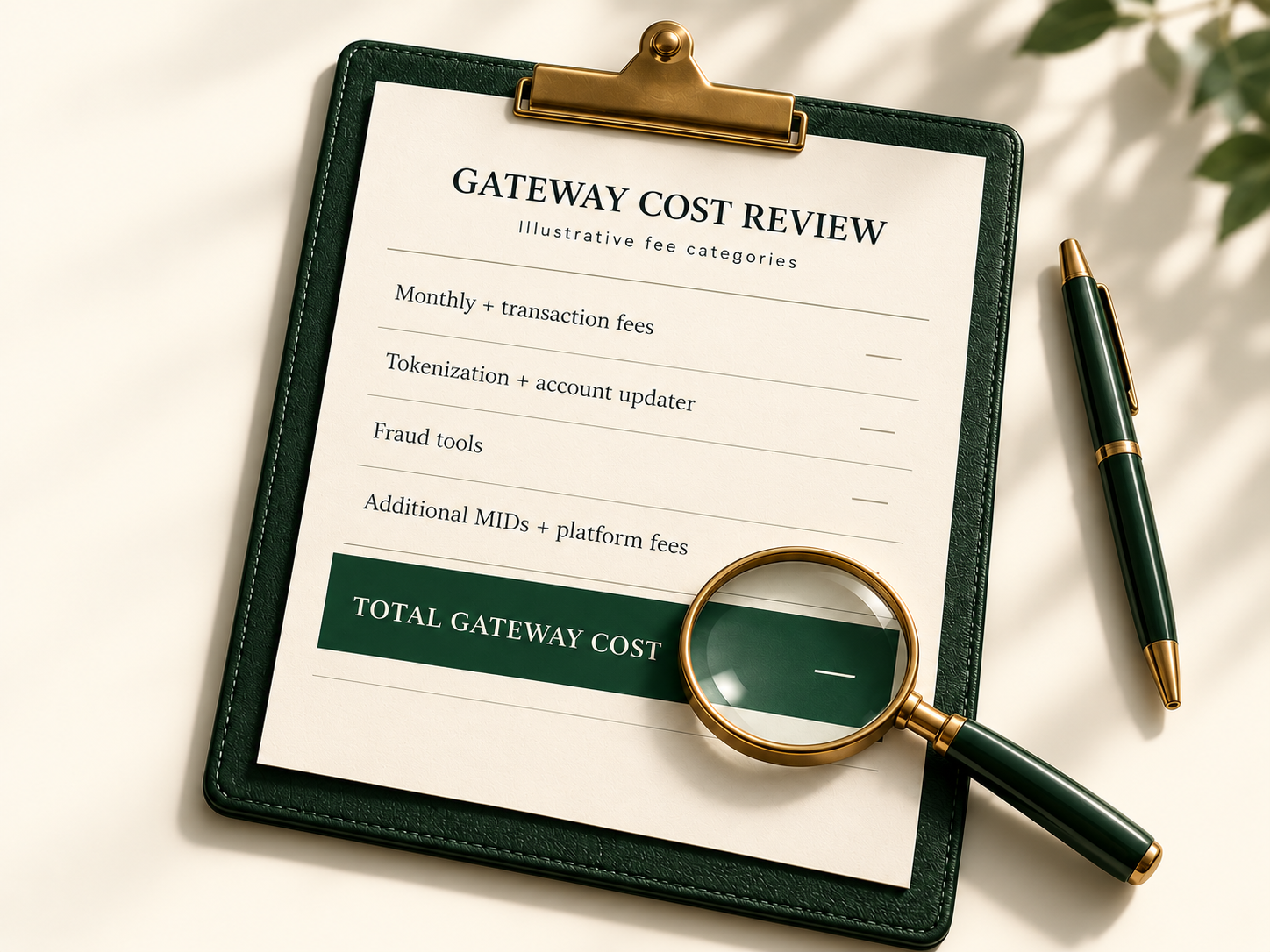
The monthly fee is only part of the cost.
Compare the total cost of the services you need, not just the headline gateway fee.
Evaluate the tools, usage charges and additional connections your business requires.
Explore Processing Costs →Illustrative fee categories. Pricing varies by provider and services used.
Should you change your gateway?
You may need an adjustment—not a new gateway.
Switching is not always necessary. The benefits should justify the impact on integrations, stored payments and recurring customers.

Fraud configuration and reporting also carry over—or need rebuilding—depending on the path chosen.
Keep it
Keep the current gateway.
Change processor
Change only the processor.
Tune configuration
Improve the current setup.
Add a processor
Where compatibility allows.
Replace gateway
When limitations justify migration.
Confirm technical compatibility, provider cooperation and underwriting requirements before making changes.
How Merchant Counselor helps.
Tell us how your checkout, processor and gateway work together today. We'll help determine whether the setup still fits, including contract terms, data access, support responsibilities and migration requirements.

Assess
Review the gateway, integrations, tokens, reporting, contracts and support.
Advise
Compare options for business fit, compatibility, cost and flexibility.
Implement
Coordinate configuration, connections and migration when appropriate.

Optimize
Monitor approvals, costs, fraud controls and functionality as needs evolve.
Choose the gateway for the architecture—not the other way around.